q2p
Censoro app icon

Censoro

Blur, pixelate, black out or cover what should not leave your phone — with a brush, on a photo that never leaves it.

  • Free
  • Ads removable
  • Android 10+
The Censoro editor: Blur, Pixelate, Blackout and Noise chips, Erase, a size slider and Apply.

What it does

Four ways to cover something up

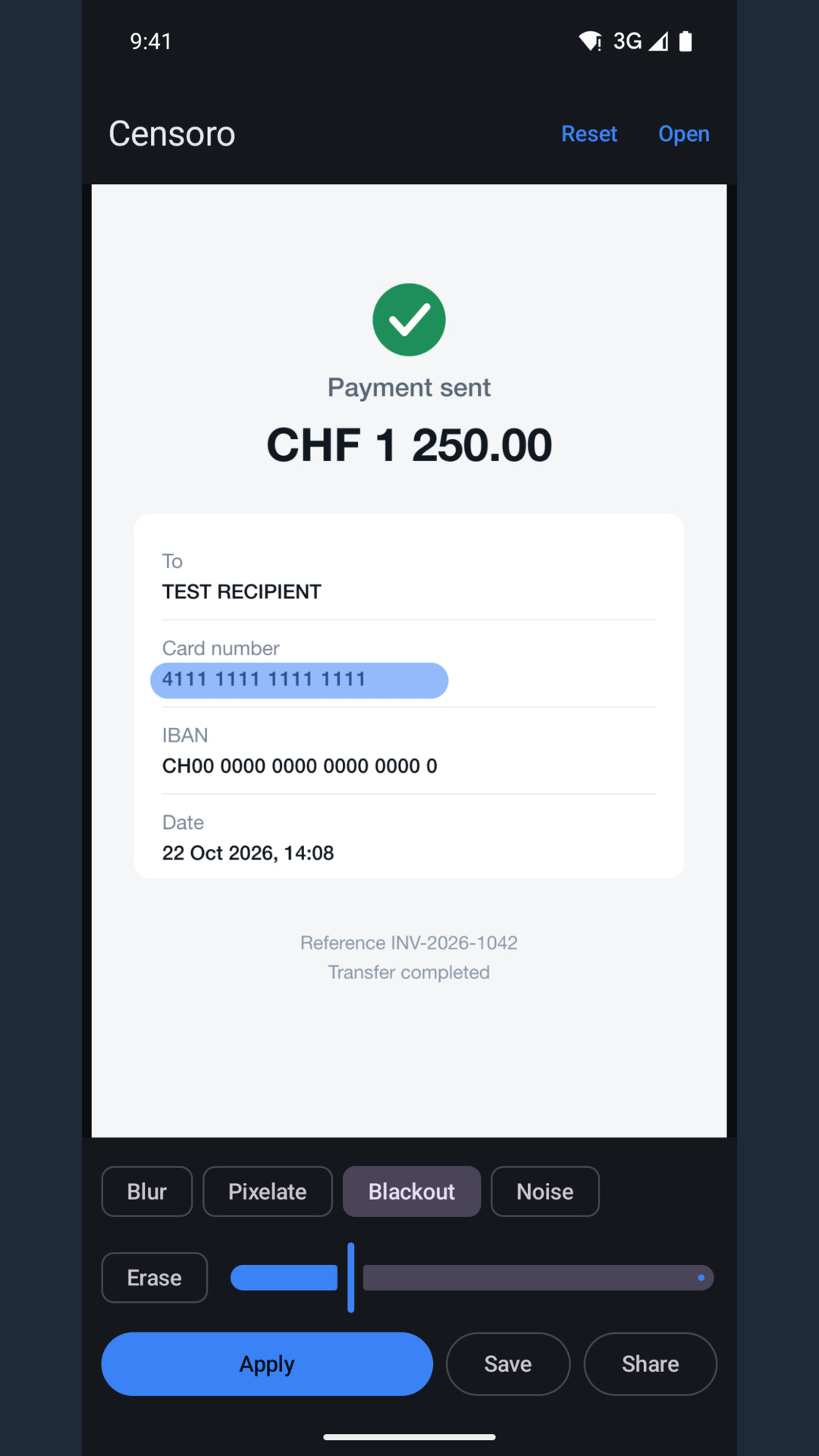
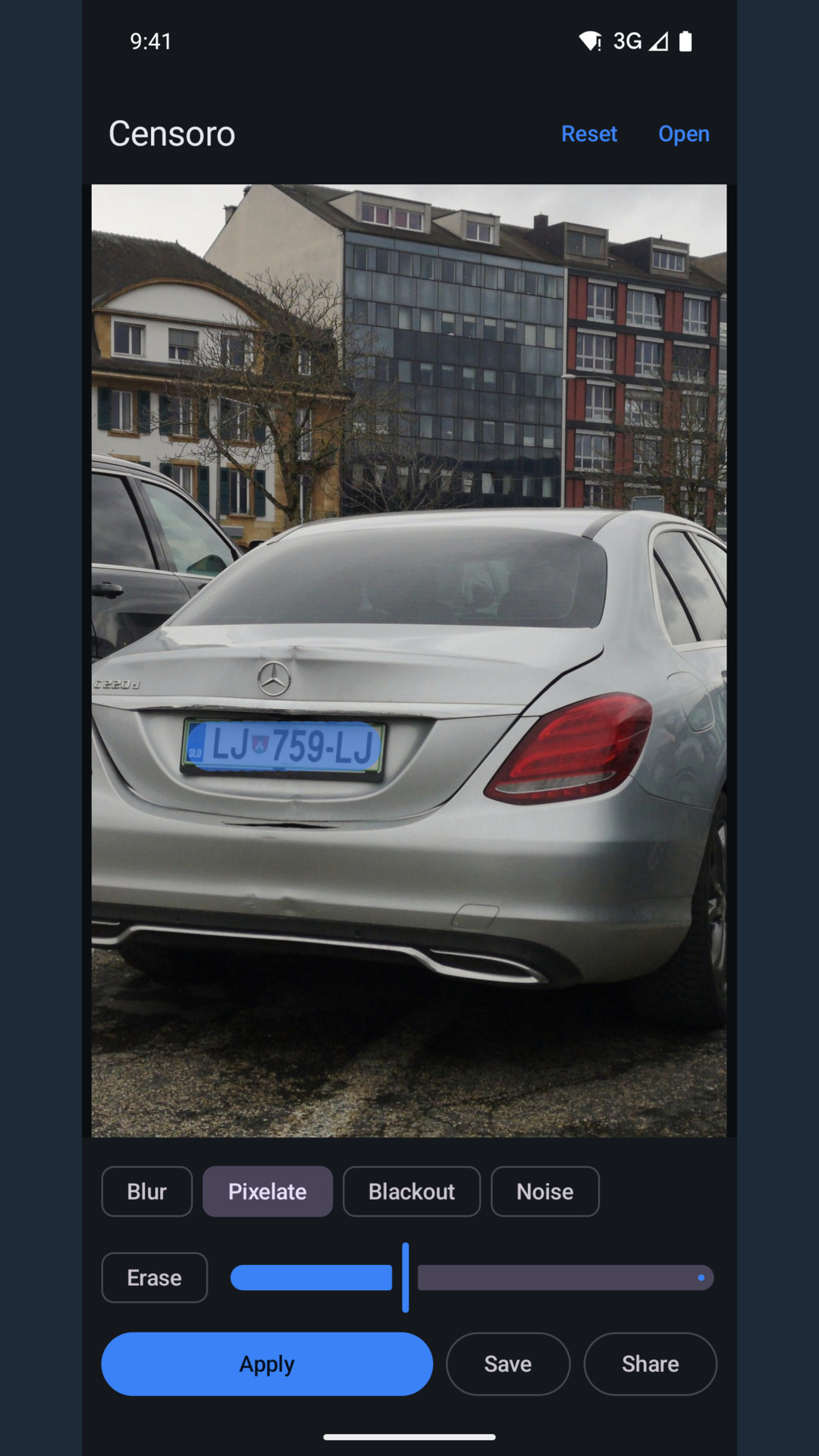
Paint as many areas as you need, then press Apply once. Until you apply, the canvas shows only the area you covered, so you see exactly which pixels will be replaced.

01 Blur

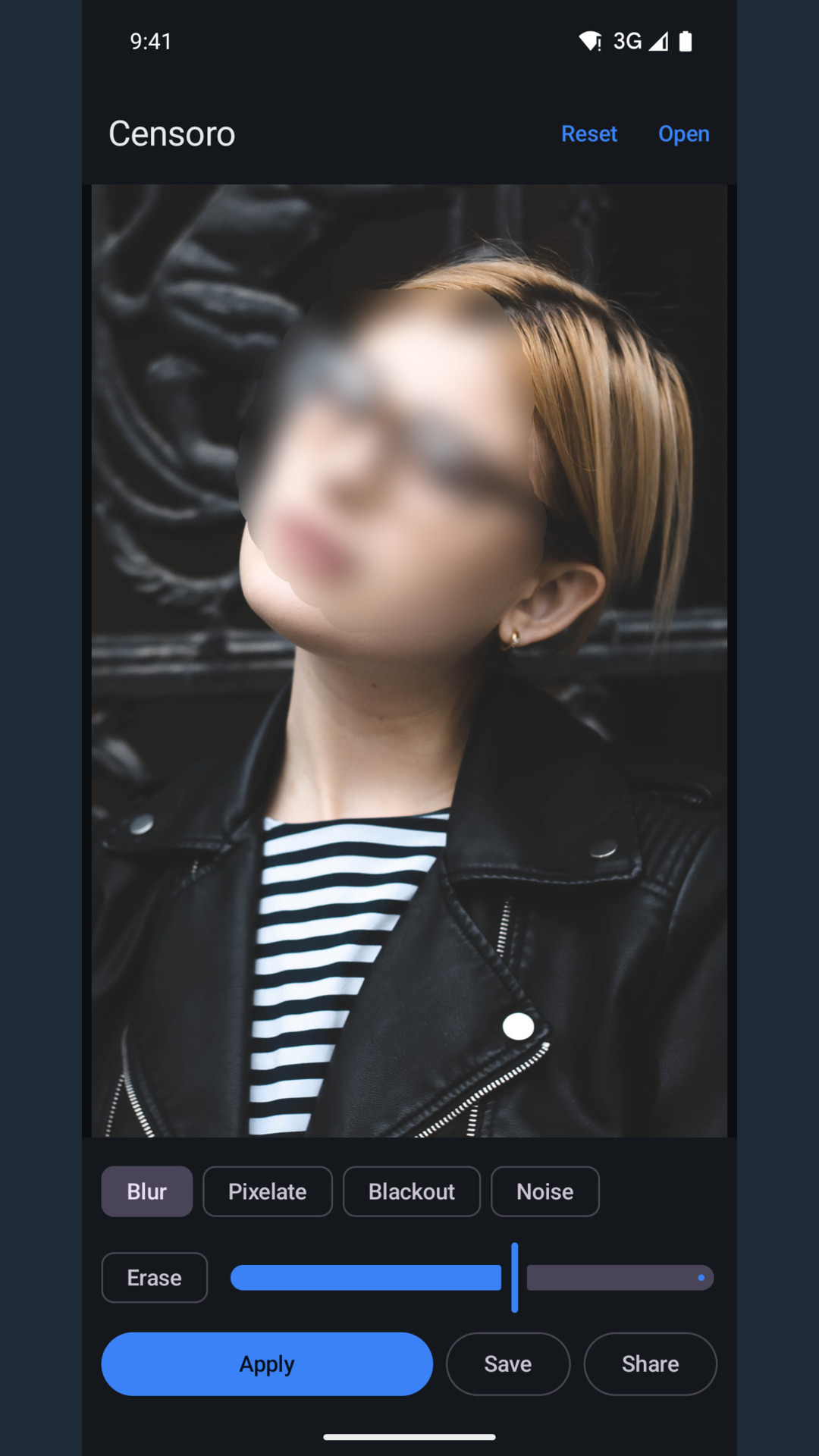
A heavy gaussian that leaves no readable shape.

02 Pixelate

Mosaic blocks sized for the photo.

03 Blackout

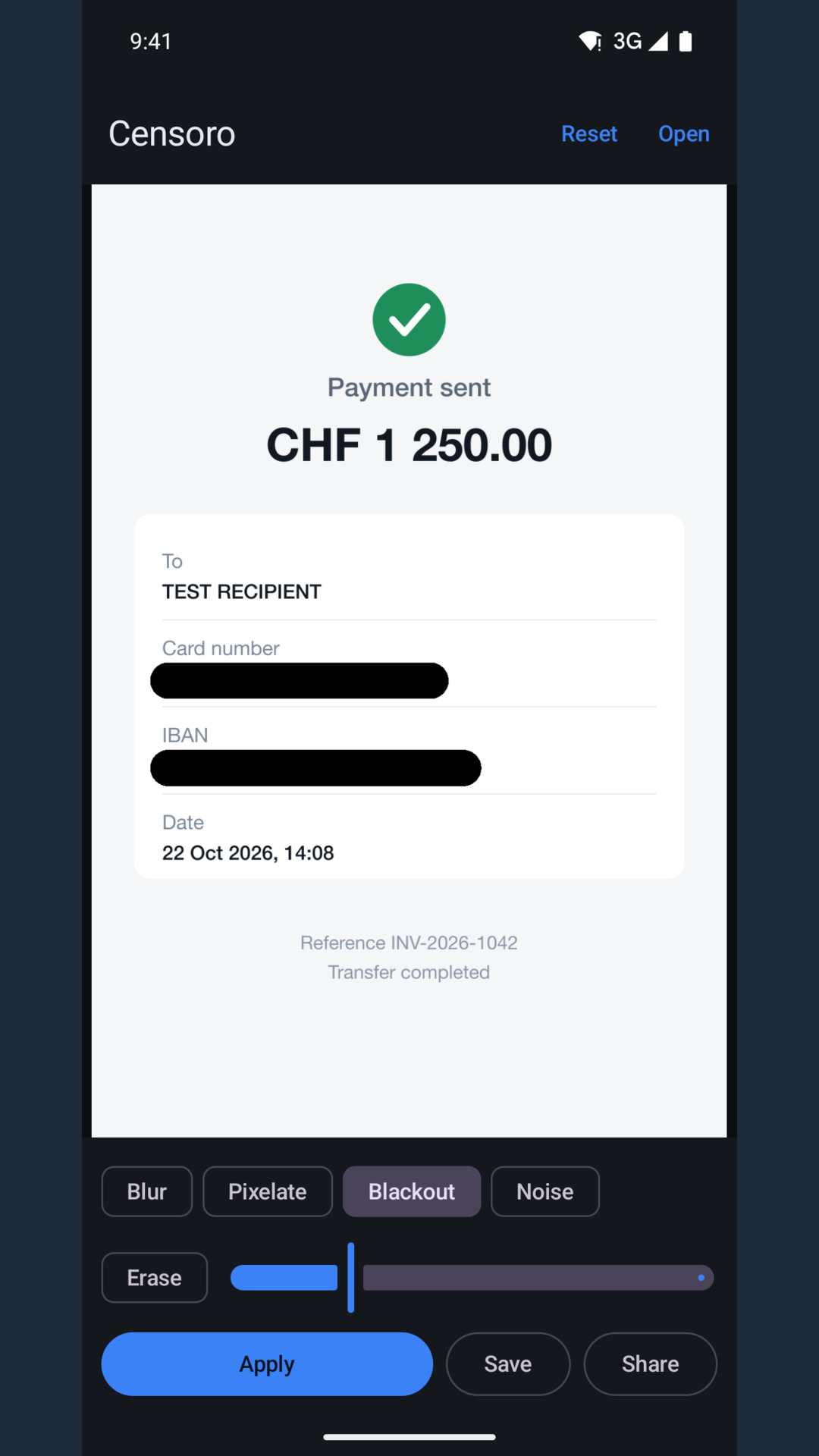
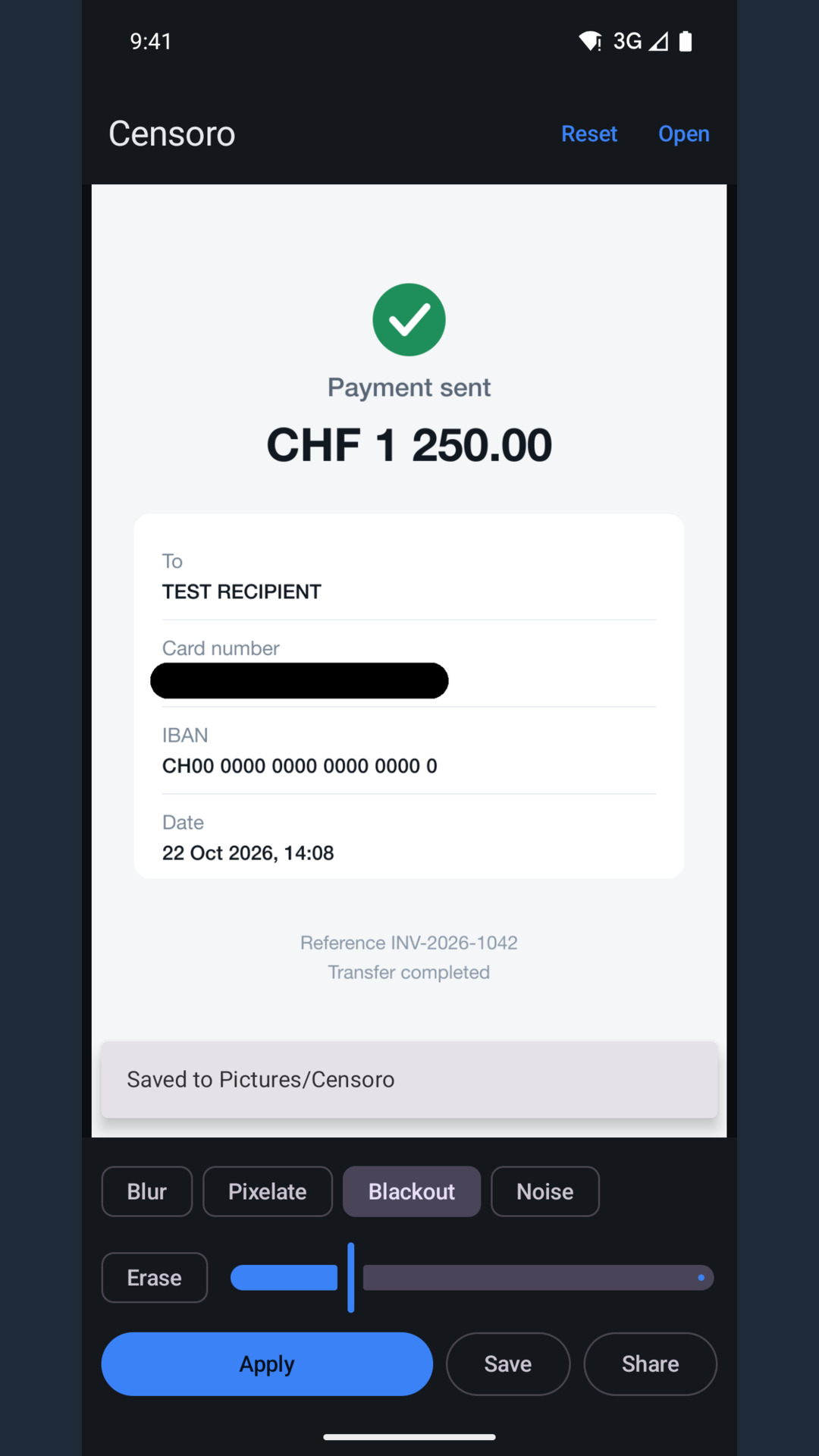
A solid cover over anything that must not be read at all.

04 Noise

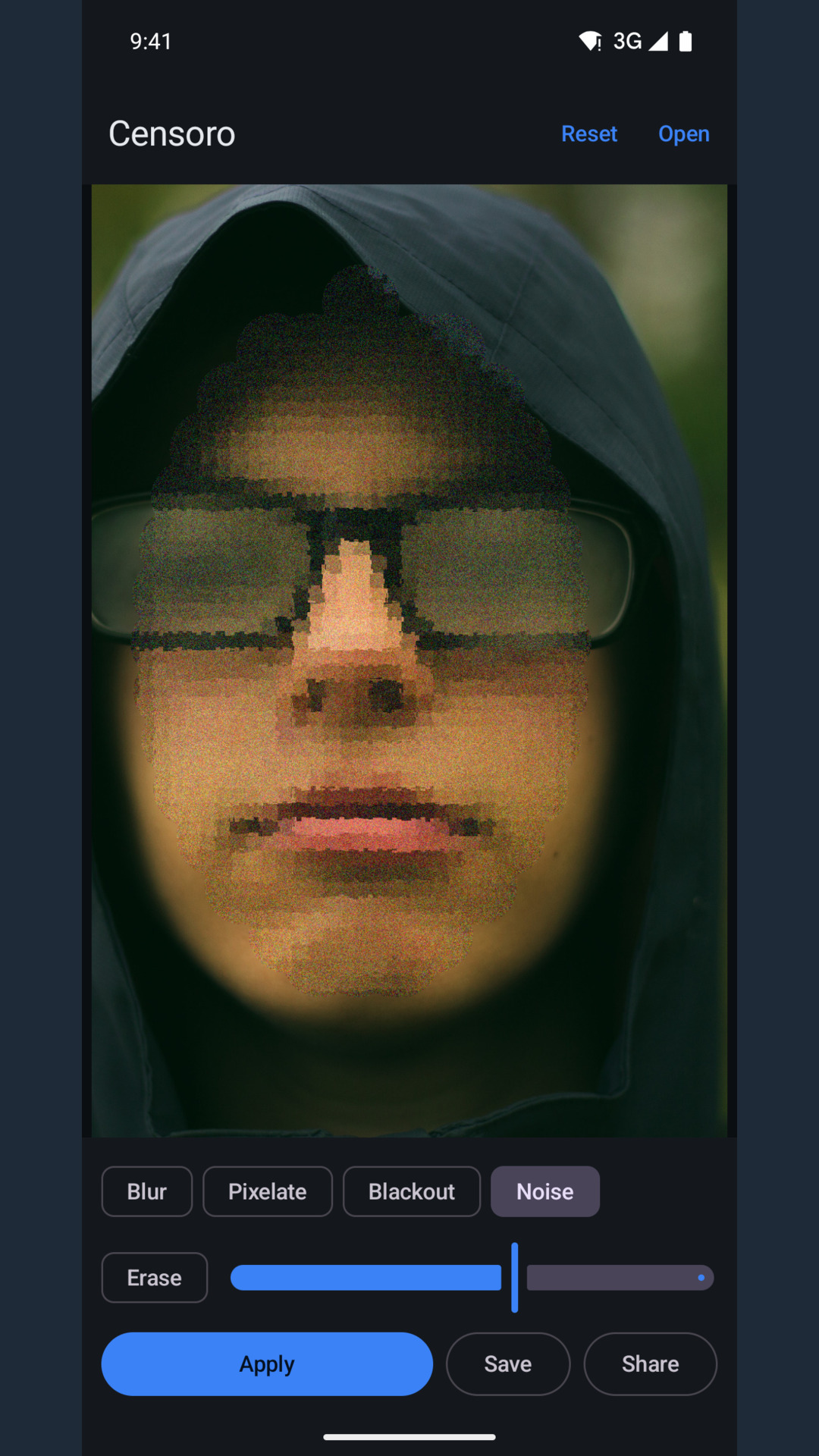
Dense grain that breaks up a face without a visible patch.

How it works

Three steps, then it is done

Pick a photo

Through the Android photo picker, which hands over the single image you choose. No storage permission, no access to the whole gallery.

Paint and choose

Brush size follows a slider, Erase takes paint back, and the effect row switches between blur, pixelate, blackout and noise.

Apply and save

The result goes to Pictures/Censoro as a new flat JPEG, or to the share sheet. The original file is never modified.

Screens

Inside the app

Eight frames from the app. Swipe to see the rest.
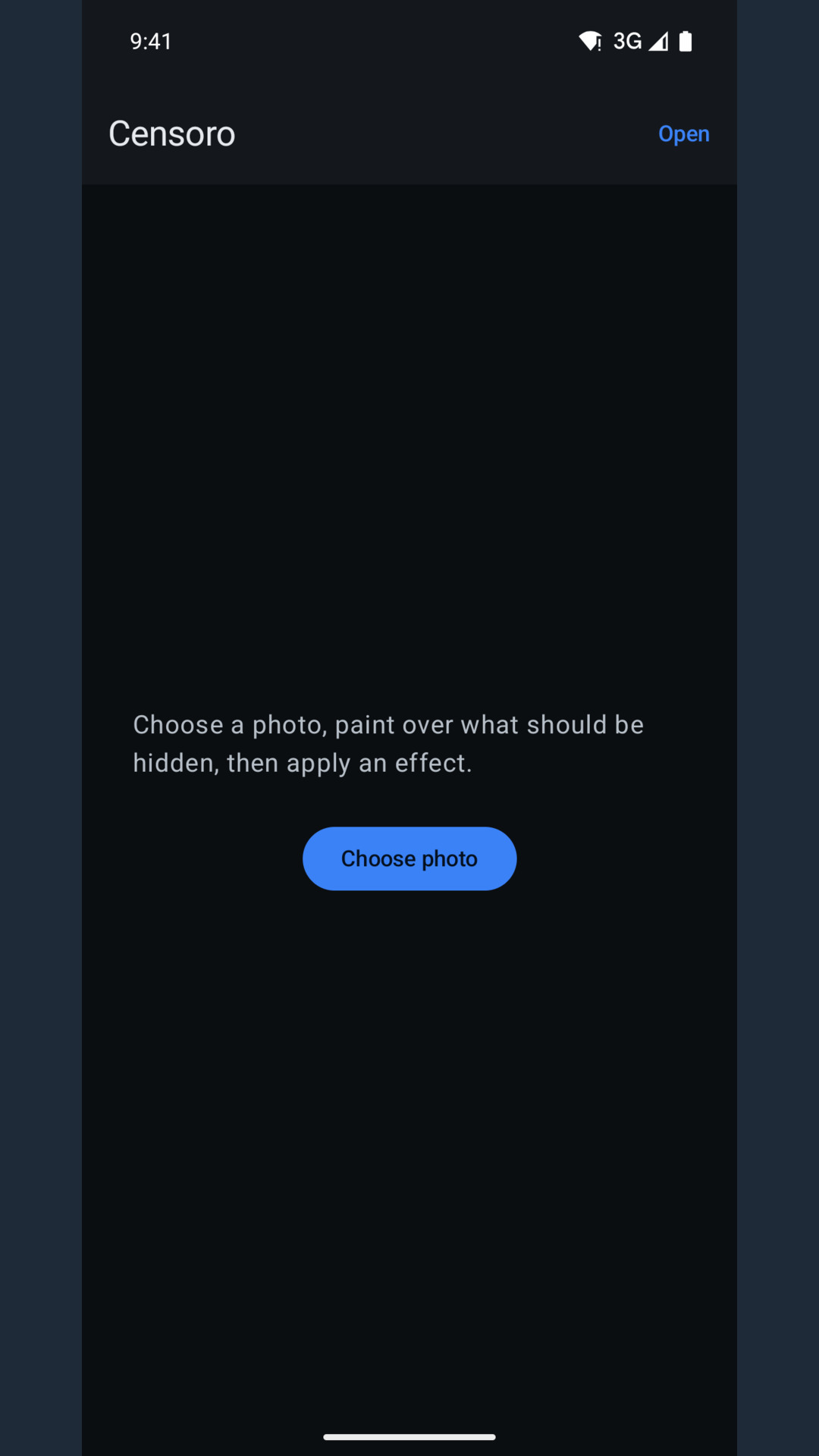
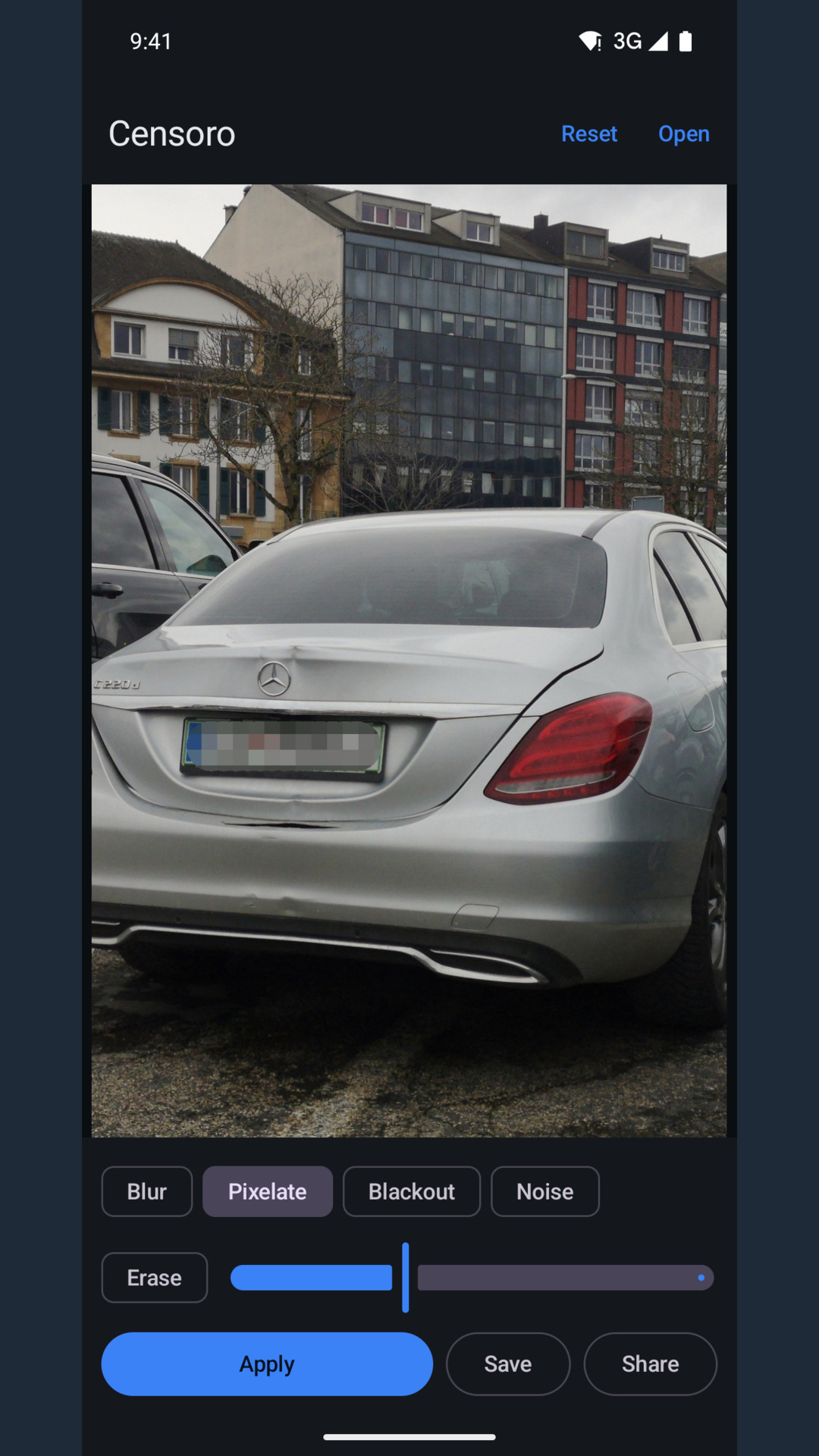
Censoro start screen with a one-line hint on how to hide something and the Choose photo button. A car's number plate covered with blue brush strokes, Pixelate selected in the effect row. The same car after Apply: the plate is a block mosaic, the rest of the photo is unchanged. A payment receipt with the card number and the IBAN blacked out, the amount stays readable. A portrait with the face blurred; hair, leather jacket and the street behind stay sharp. A face close-up covered with grain from the Noise effect, glasses still visible under it. The editor: Blur, Pixelate, Blackout and Noise chips, Erase, a size slider and Apply. The editor after Save, showing the snackbar Saved to Pictures/Censoro above the buttons.

Nothing is uploaded

  • Photos are edited on the device and written to your gallery. There is no server to send them to.
  • No account, no sign-in, no analytics of ours.
  • No storage permission and no access to the whole gallery.
  • The saved file is a new flat JPEG: no layers, no original stored inside, no EXIF or GPS data.
  • Long side up to 2048 px, at the photo's own size.

Ads and the one-time purchase

  • The free version shows a banner on the start screen and an ad after a save.
  • One purchase removes all ads; Google Play handles the payment, the app only stores a local flag.
  • In the EEA, the UK and Switzerland a consent form appears before any ad request, and "Privacy options" in the app reopens it.
  • Ads are served by Google AdMob; the policy lists every data type its SDK collects.
Privacy policy

Hide it before it leaves your phone

Free on Google Play. Android 10 and newer.

Get Censoro on Google Play